
Google AdSense Rejection Again? Find the Real Problem Before You Reapply
Stop guessing. Use the free rejection checker, score your site readiness, review the most common problem areas and, if you want hands-on help, order a detailed WordPress website review package from ₹1,999.
Google AdSense Rejection Review + WordPress Readiness Check
For publishers who received “site not ready”, content/UX concerns, policy-related rejection, repeated rejection or an unclear site-review result.

What Did Google AdSense Show You?
Select the closest rejection or site-review message. This section is made to look more useful, not empty, and gives a clear first direction.
Select Your Current Problem
Choose the closest message or situation from your account/email.
Start With Content Value and User Experience
Review whether your website gives visitors enough original, useful information and whether the pages are easy to use.
12 Areas We Check Before You Reapply
These cards are intentionally fuller so the section does not feel empty, while still covering practical Google AdSense website-review problems.
Unique, Useful Content
Thin, copied, scraped or generic pages may not demonstrate enough value for visitors.
Site Navigation
Menus, categories, links and page structure should make important content easy to discover.
AdSense Code
Missing, incomplete or incorrectly placed AdSense code can stop the review process from working correctly.
Site Reachability
Google’s crawler must be able to load the site and access the pages that are being reviewed.
Policy Compliance
Content and site behavior must comply with Google Publisher Policies and applicable restrictions.
Trust Pages
Clear About, Contact, Privacy and other appropriate site information improve transparency for users.
Mobile Usability
Pages should work well on phones without broken layouts, overlapping elements or unusable navigation.
Traffic Quality
Artificial clicks, manipulated impressions or suspicious traffic can create serious publisher risk.
Account Issues
Duplicate AdSense accounts or incorrect account setup can prevent approval even when the website looks fine.
Reapply Timing
Reapplying without meaningful fixes often wastes another review cycle; fix the real issue first.
Page Speed & Errors
Very slow pages, broken layouts, server errors or maintenance mode can weaken the review experience.
Content Structure
Poor headings, weak formatting, empty archive pages and confusing article structure can hurt usefulness.
Check Your Website Before Paying or Reapplying
Tick the real condition of your website. The left panel now gives a fuller score breakdown and action plan, while the right panel stays focused on the 12 checks.
Your Readiness Score
- 70+ — close to basic readiness, but still verify the rejection reason.
- 40–69 — several content, trust or technical gaps still need work.
- Below 40 — do not reapply yet; improve the website first.
Use this checklist first. If the score stays low or the rejection message is unclear, get the website reviewed before another submission.
VIEW REVIEW PACKAGES →12 Quick Checks
Use this as a practical pre-review checklist. Tick only what is genuinely true on the live website.
What You Get in the ₹1,999 to ₹2,999 Website Review Packages
This is a website-readiness and issue-review service, not an AdSense account sale or guaranteed approval package.
Review the reason/status you received and translate it into practical checks.
Check first-screen clarity, navigation, value and obvious trust issues.
Review sample posts/pages for originality, usefulness, depth and structure.
Identify weak, empty, duplicate or low-value pages that may need improvement.
Menus, category flow, search, page links and overall visitor usability.
Look for overflow, overlap, hidden content and unusable mobile interactions.
Review About, Contact, Privacy and relevant policy/information pages.
Check website-side implementation readiness and obvious integration mistakes.
Review common site-side causes that may block crawlers or make pages unreachable.
Review obvious robots/noindex/canonical/sitemap problems that can weaken site discoverability.
Flag unsafe monetization behavior or suspicious traffic practices that should stop.
Review obvious site/content issues against general Google Publisher Policy requirements.
Theme/plugin/layout issues that can affect UX, crawlability or implementation.
Get the issues grouped into Fix First, Improve Next and Optional Improvements.
A final list of things to verify before you request another site review.
From Rejection to a Clear Fix Plan in 6 Steps
Keep the order process simple enough that the buyer can complete everything from one page.
Choose the Review
Choose the package that fits your budget and review depth.
Pay the Service Fee
Use the QR scanner, direct UPI payment or request bank details on WhatsApp.
Enter UTR
Add transaction ID so the order can be matched with your payment.
Submit Website Details
Share URL, rejection message, AdSense status and basic site information.
Website Review
We review the website against the listed 15-point readiness checklist.
Fix & Reapply Plan
You receive the priority areas to address before requesting another review.
Order the Google AdSense Rejection Website Review
Select your service package, scan the QR, pay and then submit your website details with UTR from one page.
Important Things to Know Before Another Review
This part has been redesigned with more useful blocks so it does not feel blank or weak.
Google Reviews the Whole Site
A technically working homepage is not enough. The site needs to be accessible, useful and compliant as a whole.
- Original and relevant content
- Clear navigation
- Usable page layout
- Correct site verification / code setup
Do Not Chase “Guaranteed Approval”
No independent service can honestly promise the outcome of Google’s review. A better approach is to improve the real quality signals.
- No fake traffic
- No self-clicking ads
- No copied content shortcuts
- No account-sale promises
Review Time Is Not Instant
Google’s official AdSense help says site checks usually take a few days, but some reviews can take 2–4 weeks. So the paid service here is a website-review service, not instant approval.
- Fix first
- Wait for review
- Track changes
- Reapply carefully
Fix the Rejection Message First
If AdSense gives you a specific problem, start there. Do not make random design changes while leaving the actual issue unresolved.
- Take a screenshot of the message
- Read the related policy/help article
- Fix the website
- Then request another review
What Improves Approval Chances
Real improvement usually comes from better content quality, cleaner structure and stronger trust signals.
- Useful articles/pages
- Better about/contact/privacy pages
- Clear mobile experience
- Less clutter and no broken pages
When Paid Review Helps
If you are confused after repeated rejection, a website-review service can help you see site-side problems more clearly before another attempt.
- Repeated rejection
- Low-value content issue
- WordPress layout problems
- Unclear site readiness
Google AdSense Rejection: What to Fix Before You Apply Again
A Google AdSense Rejection usually needs a real website improvement, not another quick submission. Use these points to check the site before asking Google to review it again.
Start every Google AdSense Rejection review with the exact message shown in your AdSense account or email.
A Google AdSense Rejection connected with low-value content needs stronger original pages, better depth and clearer visitor usefulness.
For a Google AdSense Rejection, review About, Contact, Privacy, menus, categories and the complete visitor journey.
A Google AdSense Rejection can also involve site access, code implementation, crawl blocks, server errors or broken mobile layouts.
Before another Google AdSense Rejection review request, remove unresolved policy risks, suspicious traffic and unsafe monetization behaviour.
Do not treat Google AdSense Rejection as a reason to resubmit immediately. Make meaningful fixes first and then request another review.
Still dealing with Google AdSense Rejection? Choose a website review package and submit your rejection message, website URL and payment UTR from the form above.
VIEW REVIEW PACKAGESFrequently Asked Questions
Clear answers for publishers who are confused after a rejection.
Why is my AdSense site rejected again and again?
Repeated rejection can happen when the underlying issue has not really been fixed, the site still lacks enough original value or usability, there are policy/site-access issues, or the review simply does not find the site ready yet.
Can you guarantee AdSense approval after the paid review?
No. The service reviews the website and gives fix guidance. Google makes the final approval decision.
What exactly do I receive in the ₹1,999 to ₹2,999 packages?
You receive the listed website-readiness review covering content, navigation, site trust, mobile UX, code/setup, crawlability, policy risk and reapply preparation. Higher packages can be used for deeper review priority.
How long does Google take to review a site?
Google says the review usually takes a few days, but in some cases it may take 2–4 weeks.
Should I share my AdSense password with you?
No. Never share your Google or AdSense password. The form only needs website and rejection-status information.
Can low-value content be fixed?
Often the site can be improved by removing or upgrading weak pages, adding genuinely useful original content, improving structure and focusing on what visitors actually need.
How many posts do I need for AdSense?
There is no universal number on this page that guarantees approval. Quality, originality, usefulness and the overall site experience matter more than chasing a single article count.
Does high traffic guarantee approval?
No. Traffic volume alone does not guarantee approval. Site quality, policies, ownership/setup and user experience also matter.
Can invalid traffic create problems?
Yes. Google requires publishers to maintain quality traffic and not artificially inflate clicks or impressions.
Do you fix the WordPress website too?
The paid packages are review and guidance services. If the site needs larger design/development changes, those can be quoted separately after the review.
Can I order the review before reapplying?
Yes. That is the best time to use it—before another review request, so you can address the obvious site-side issues first.
Is WP Bazaar an official Google AdSense partner?
No. WP Bazaar is an independent website service provider and does not claim to control Google AdSense approvals.
Google AdSense Rejection? Get a Clear Website Fix Plan
Use the free checker first, or book the website review package from ₹1,999 when you want a detailed WordPress and content-readiness check.
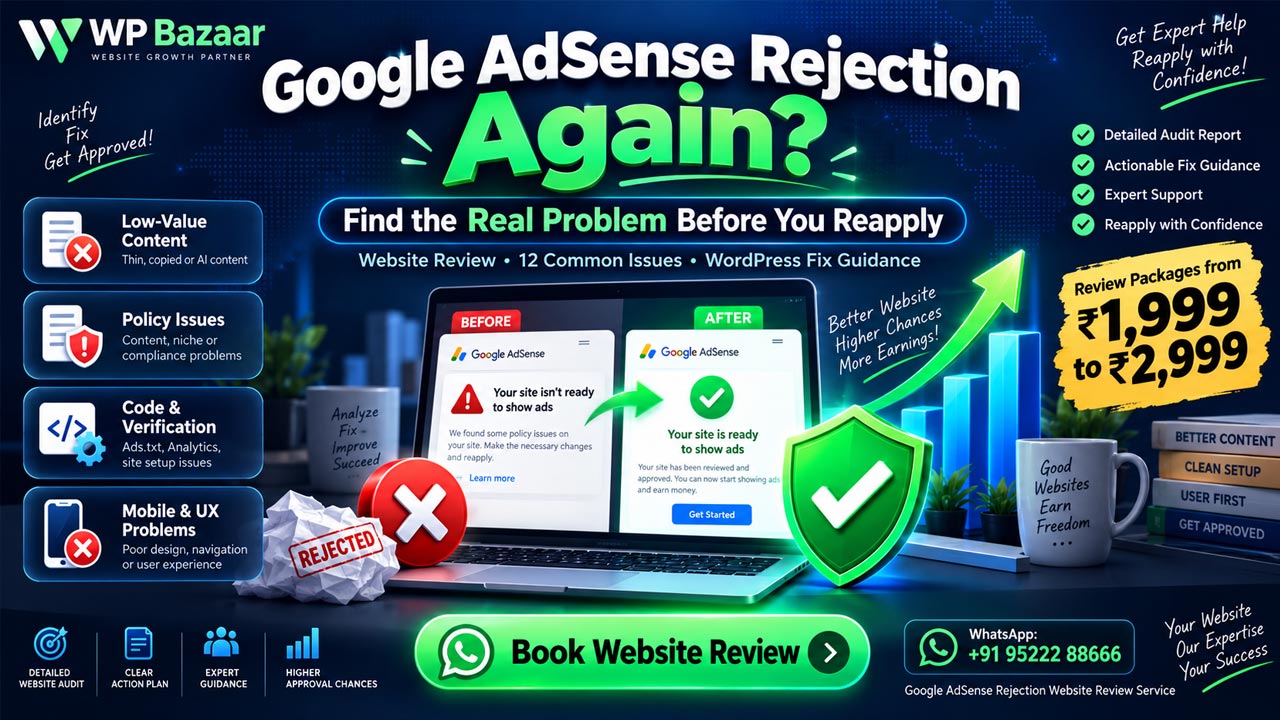
Google AdSense Rejection: 12 Proven Fixes + Website Review | WP Bazaar
Send your website and contact details. Your request is stored in WP Bazaar → Service Leads so nothing gets lost in email.