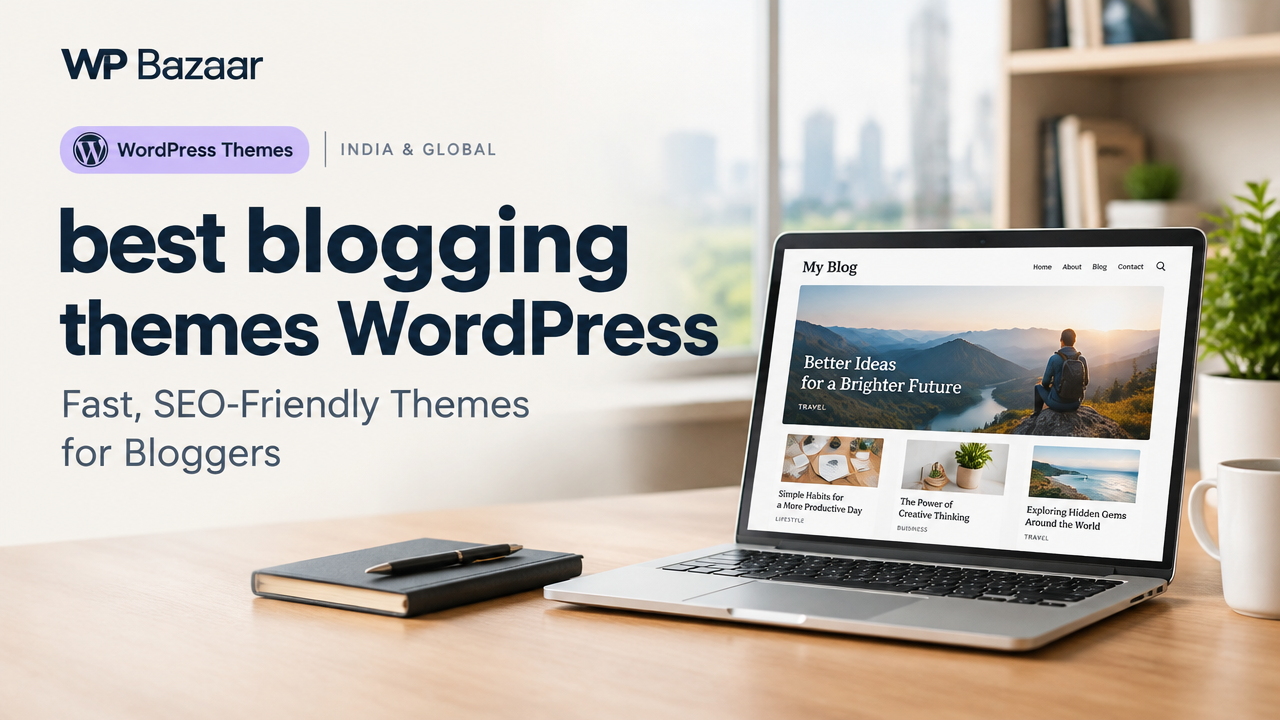
Best Blogging Themes WordPress: Fast, SEO-Friendly Themes for Bloggers
Choosing the right WordPress theme is crucial for a blog’s speed, search visibility and reader experience. This guide helps buyers in India and globally pick the best blogging themes WordPress can use—covering features to prioritise, recommended themes, a practical checklist and setup tips that lead to faster launches and better ad or affiliate monetization.
Why Your Theme Choice Matters for a Blog
Beyond looks, a theme affects page speed, mobile usability, SEO markup and compatibility with page builders and plugins. A theme built for blogs will handle post layouts, featured images, related posts and archive pages without heavy customisation. Investing time in the right theme reduces redesign work later and helps you focus on content and growth.
Key Features To Look For In The Best Blogging Themes WordPress
- Lightweight & Optimised Code: Faster loading improves user engagement and search rankings. Choose themes with minimal render-blocking CSS/JS.
- Responsive Design: Mobile-ready layouts and readable typography across devices are essential.
- SEO-Friendly Markup: Clean HTML structure, support for schema where appropriate, and compatibility with SEO plugins like Yoast or Rank Math.
- Customisation Without Bloat: Useful options for typography, colours and layouts without adding heavy dependencies.
- Page Builder Compatibility: If you use Elementor, Gutenberg or GenerateBlocks, confirm the theme supports them well.
- Ad & Monetization Ready: Flexible widget areas, ad placements and fast rendering with ads help monetized blogs.
- Regular Updates & Support: Themes maintained by credible developers reduce security and compatibility risks—verify directly with the theme provider.
Recommended Themes & When To Use Them
Below are theme choices that match common blogging needs. These are examples—verify current features and support with the vendor before purchase.
- GP Light Blog Pro / GP Blog Lite Pro (GeneratePress-based): Good for bloggers who want a fast, minimal foundation with deeper customisation via the WordPress Customiser. Suitable when you want speed and clean layouts. (See GP Light Blog Pro on WP Bazaar.) GP Light Blog Pro
- Astra Pro: A flexible, widely compatible theme with many starter templates and page builder support—ideal for bloggers who may expand into product pages or courses. (Check vendor features and licence terms.)
- Minimal / Blog-Focused Themes: If your priority is reading experience (long-form content, clean typography), pick a theme with focused article layouts, good line-height and typographic scale.
- News & Magazine Style Themes: For high-volume publications, choose themes optimised for multiple categories, featured content blocks and ad placements. WP Bazaar’s NewsPortal Pro is an option for Hindi/Indian-style news portals. NewsPortal Pro
Practical Checklist: How To Evaluate a Blogging Theme (Quick Table)
| Feature | Why It Matters | What To Test |
|---|---|---|
| Page Speed | Affects SEO and bounce rate | Run Lighthouse or GTmetrix on the theme demo home and an article page |
| Mobile Layout | Majority of readers use phones | Open demo on multiple phones; test legibility and navigation |
| SEO Compatibility | Improves discoverability | Check HTML for clear H1/H2 structure and schema presence |
| Custom Widgets & Ad Slots | Helps monetisation | Confirm widget areas and ad placement options in demo |
| Plugin Support | Prevents conflicts | Verify compatibility with your page builder and caching/SEO plugins |
How To Test a Theme Before Buying
- Preview the demo on desktop and mobile and read several posts to test typography and spacing.
- Check theme documentation and support response options—look for version history and changelog.
- Install on a staging site to test with your plugins (SEO, cache, analytics, forms) and sample content.
- Measure performance using Lighthouse or GTmetrix on a content page; confirm images and lazy-loading behaviour.
- Confirm licence and update policy—especially if you plan multiple sites or need developer updates.
Setup Tips To Get Your Blog Live Faster
- Use a good caching plugin and a CDN for faster global load times.
- Optimise featured images at upload using WebP where possible—see our guide on optimising images.
- Install an SEO plugin like Rank Math or Yoast and configure titles, meta and sitemaps.
- Set up structured data for articles; many themes include schema but verify and supplement with an SEO plugin if needed.
- If you plan to monetise with Ads, follow an AdSense best-practice checklist before applying—see our Google AdSense Approval 2026 guide for a full setup walkthrough.
- If you’re new to themes, follow the step-by-step installation guide: How to Install WordPress Theme.
When To Consider a Paid Theme Or Professional Setup
Paid themes typically include extra starter templates, performance tweaks, and priority support—useful if you want a polished launch without hiring a developer. WP Bazaar also offers ready setups such as an AdSense Ready WordPress Website Setup Service that can save time when monetisation is a priority.
Conclusion
Choosing the best blogging themes WordPress offers is about balancing speed, readability and future needs. Start with a lightweight, SEO-friendly theme that supports your preferred page builder and has clear update support. Test demos on mobile, check performance and confirm ad/monetisation capabilities. If you need a fast, blog-focused option, consider specialised GeneratePress-based themes like GP Light Blog Pro or a well-supported theme such as Astra—then refine typography and image optimisation for the best results.
Frequently Asked Questions
Looking for a ready-to-use WordPress product?
Browse WP Bazaar themes, plugins and digital products related to this guide.